Create a map to teach from and revise.
Create a mind map in Foramind, present it in your lesson or training session, then share a link so learners can review it.
No card needed · Web, iOS and Android
Build it by hand, or begin from your notes.
Put your topic in the centre and add branches for the main ideas. You can also start from your notes and edit the labels and connections.
- Every branch stays editable, whichever way you started
- Colour separates the main ideas at a glance
- Notes, links and images sit on the branch they belong to
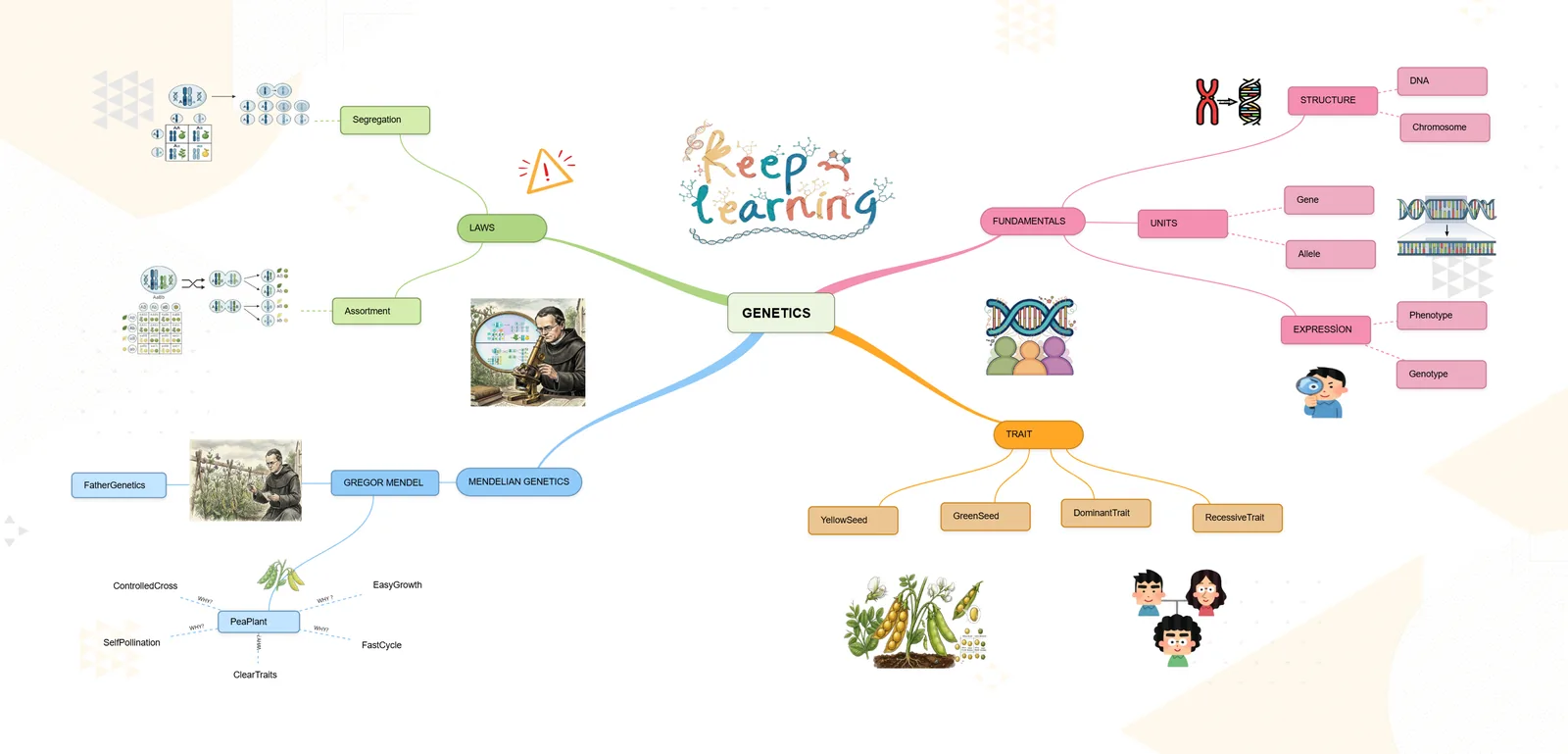
Reveal one branch at a time.
Teach or train straight from the map. Open each branch when you reach it, so the room follows your explanation instead of reading ahead.
- The whole picture stays on screen as you go deeper
- No separate slide deck to keep in step
Send a link, or open it inside your LMS.
Share a map with a class, a team or one person. If your organisation runs Moodle, Canvas or Blackboard, learners open the map from the course page through LTI 1.3.
- Invite others to work on the same map with you
- Download a map as a PDF or PNG when you need a copy
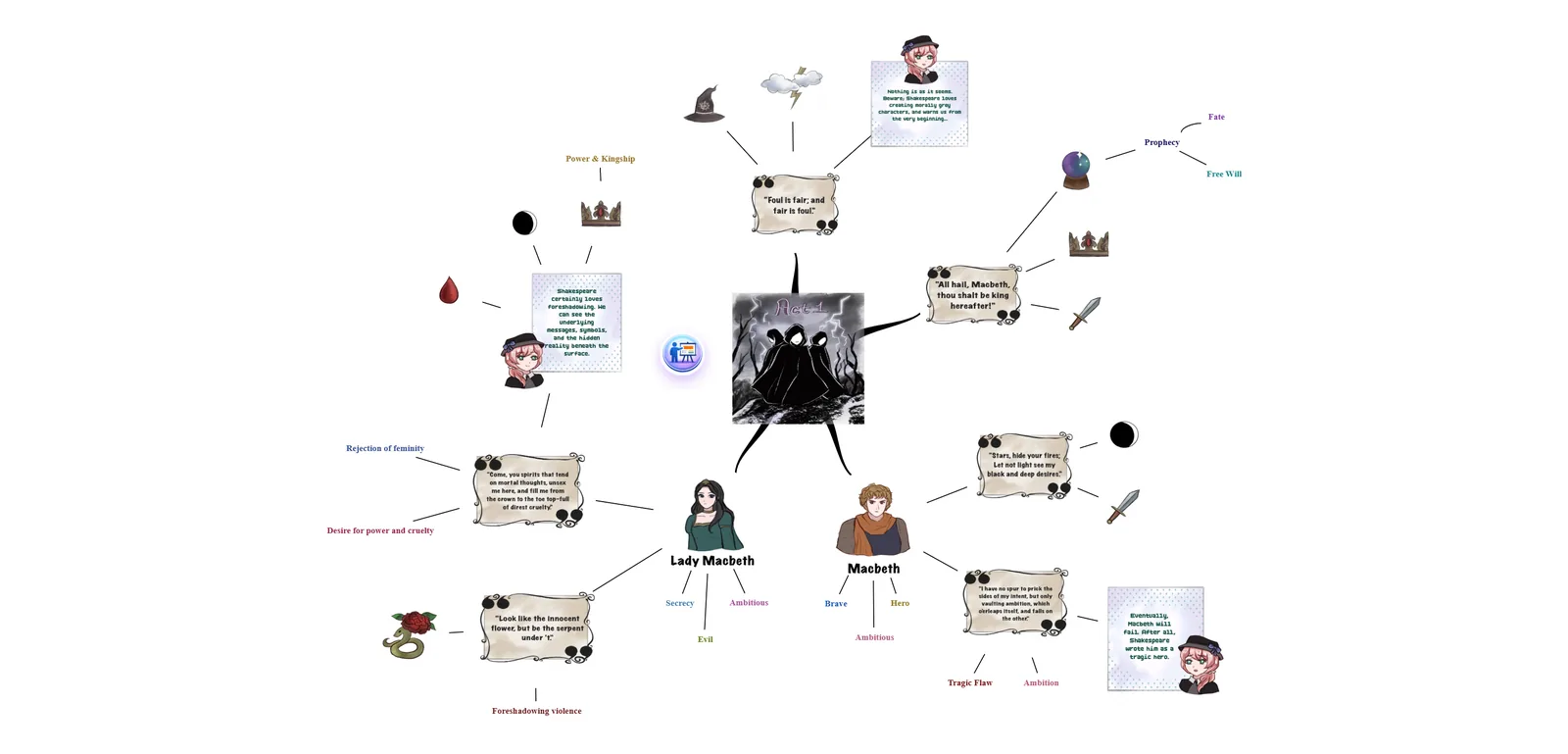
Open the lesson map for revision.
The map people saw in the lesson or the training session is the one they return to. It opens on any device, so revision starts from something familiar.
Use it in the browser, or in the apps for iPhone and Android.


Choose how you will use Foramind.
Education
For tutors, schools and students who teach and revise from the same map.
Foramind for education ›Business
For HR and L&D teams who want onboarding and procedures people return to.
Foramind for business ›Templates
Maps written by teachers and our team, ready to adapt.
Browse templates ›Coming from another tool? Compare Foramind with Xmind, Miro, Ayoa and MindMeister.