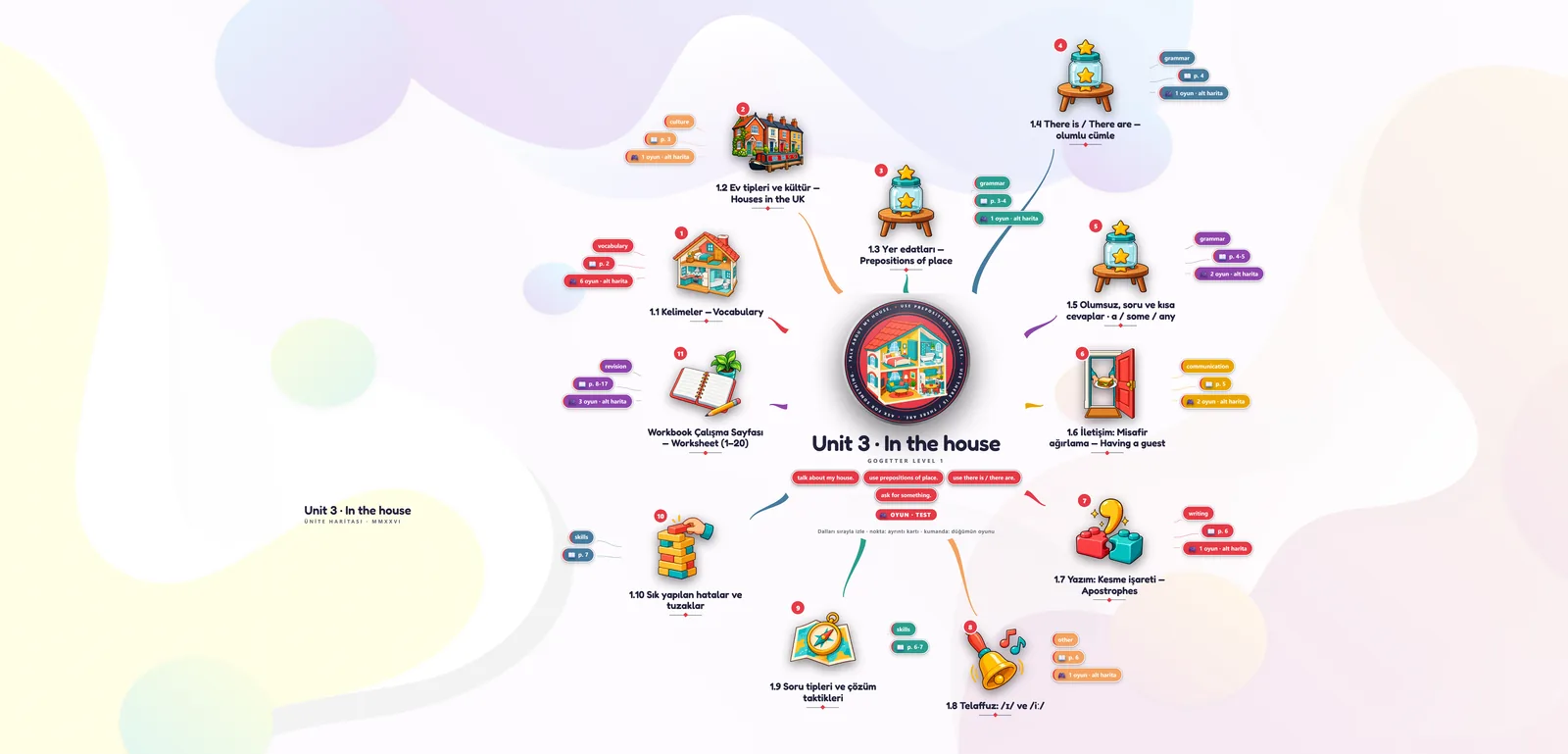
Explain it side by side
Open one branch at a time and talk it through. The student sees where each idea sits before the next one arrives.
Explain the topic branch by branch while you are together. Then send the map, so the hour you spent keeps working between sessions.
Choose the ideas your student needs to practise and build the map around them.
Open one branch at a time and talk it through. The student sees where each idea sits before the next one arrives.
Connect the facts your student knows and explain how they relate.
Start from a ready-made template and reshape it for this student, or build one together from their own notes.
Share the map by link. Between sessions the student revises from the structure you built together.
Keep the whole topic on screen as you explain one branch in detail.
Send a link when you finish. The student opens the map on any device, and next week you both start from it instead of from memory.
How sharing works ›Answers on lesson planning, online tutoring, sharing revision maps and choosing a plan for you or your tutoring team.
Start with the topic at the centre, then add branches for the ideas, examples and practice questions you want to cover. Use your own notes or a document as a starting point, or adapt a ready-made mind map template. Review the branches before the lesson and adjust the detail to your student’s level.
Yes. Start a map from your notes or a document, then review and edit the suggested branches, labels and connections. Add examples and questions that fit the lesson, and check the content before sharing it. See how Foramind turns source material into a map.
Yes. For an online lesson, open the map in your browser and share your screen using your usual video-call tool. For a face-to-face lesson, work from the same screen. Reveal branches as you explain each idea, and edit the map when you need another example. See how to present a mind map.
No. You share a link and the map opens on any device.
Share the lesson map by link so your student can revisit the topics you covered together. As a revision activity, ask them to explain a branch in their own words and note questions for your next session. You can also download the map as a PDF or PNG. See sharing options and our mind mapping guide for students.
Yes. You can start on the Free plan without a payment card and try preparing a lesson map before choosing a paid plan. Check Free and Pro plan limits to see which plan fits your teaching. For a tutoring company with several tutors or learners, ask about team subscriptions.
No. Students under 18 cannot create their own account; their school, college or tutor creates and manages it. If you teach younger learners, plan their access before inviting them to use Foramind. For questions about student data and access, visit the trust centre or contact us.
Yes. Your company buys one user subscription for each tutor or learner who needs access, including learners under 18. Each subscription belongs to one person at a time; when a tutor leaves, you can pass it to someone else. You can add subscriptions during your term and pay for them pro rata from the day they are switched on. Your company supervises its learners’ use and is the controller of their data; Foramind processes it on your behalf. Talk to us about your team.
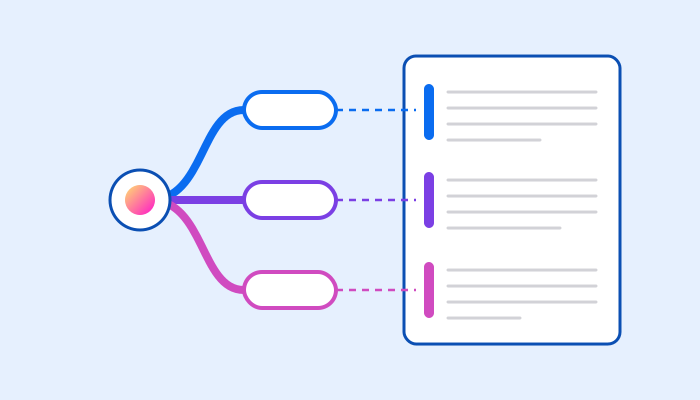
Build the structure of an essay as a mind map, then write along its branches.
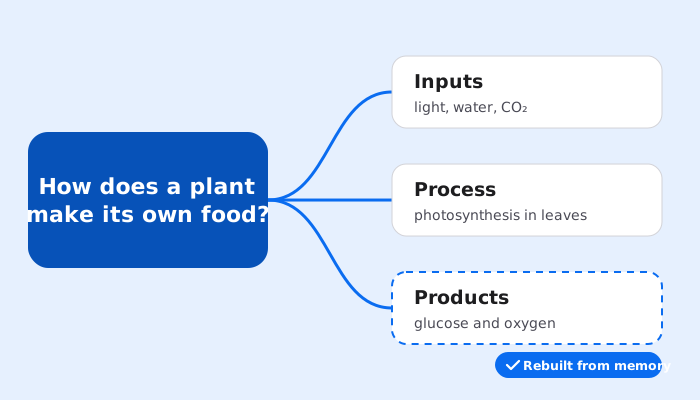
A practical way to connect what you explain in class with what students revisit afterwards.

Create your first map for free. No card needed.