New starters
A first week on one page, so day one is about meeting people instead of finding documents.
Lay out a first week, a policy or a procedure as a map. Walk people through it once, then share it so the answer is there the next time they need it.
A first week on one page, so day one is about meeting people instead of finding documents.
The rule, who it covers and the exceptions, each on its own branch.
Steps and decisions in the order they happen, easy to find again mid-task.
Reopen the map the team already knows and walk through what has changed.
Present straight from the map and open each branch when you reach it. The group follows your explanation, and the whole picture stays on screen.
Share the map by link or place it in a course in your LMS. When the question comes up for real, people open the map they were trained on.
Add maps to your LMS ›Start from the policy or handbook you already have and edit every branch.
Walk a group through it one branch at a time.
Send a link or place it in your LMS.
The same map, on any device, when it is needed.
Your data is protected under UK GDPR and hosted in the United States on Google Cloud. The trust centre names the sub-processors and the model that handles your notes. Send us your security questionnaire.
Visit the trust centre ›Yes. Send us your course or training material through the content service and we turn it into clear, connected maps, typically within five working days.
Yes. Ask Foramind to start a map from a document or from your notes, and it suggests the first branches. You can edit or delete every one.
Yes. Invite others to the map and edit it together, for example a colleague who reviews it before a lesson or a training session.
Yes. Sort your maps into libraries and categories, so a map you have checked once is easy to find and use again.
Yes. Open one branch at a time as you reach it, so the room follows your explanation instead of reading ahead. You do not need a separate slide deck. See how presenting works.
No. Foramind works in the browser on any device. Apps for iPhone and Android are there if you prefer them.
Yes, if you run Moodle, Canvas or Blackboard. Employees open maps from their course page through LTI 1.3, keeping training material in the learning platform they already use. See how LMS integration works.
Institutional plans include single sign-on with Google, Microsoft and Apple, and automatic sign-in from Moodle, Canvas or Blackboard through LTI 1.3.
Yes. The trust centre covers hosting, AI and access. Request the DPA or send us your questionnaire.
It depends on how many people will use Foramind and whether you need LMS integration. Institutional plans include single sign-on. Tell us about your team and we will send a quote. See pricing for the available plans.
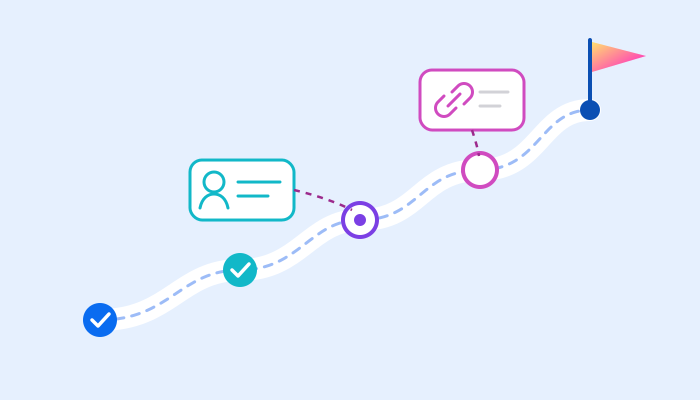
Organise first-week tasks, contacts and reference links in an onboarding map.
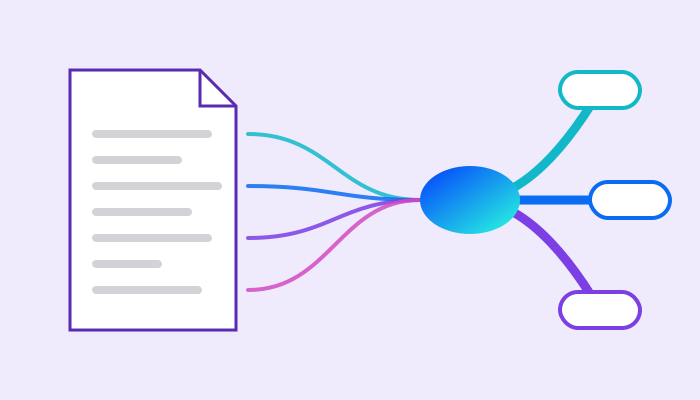
Five steps from an approved procedure to a map that trainers teach from and employees come back to.
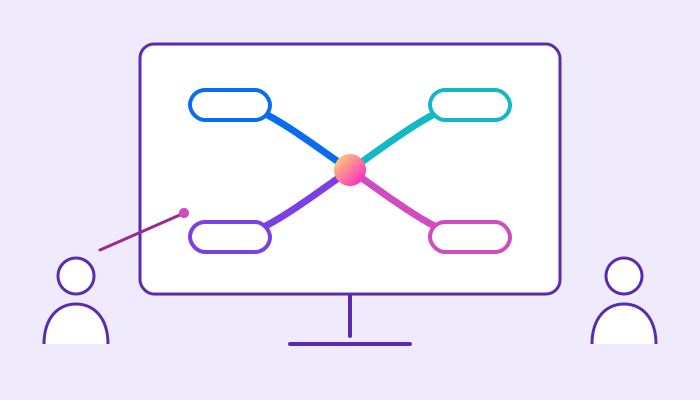
What changes at work when employees think, report and present with mind maps.

Create your first map for free. No card needed.